Help Documents
- Overview
- Hardware requirements
- Operating Systems
- Supported file systems
- Supported storage devices
- Install and uninstall
- Edition comparison
- File zip
- File sync
- Filters
- Check disk image
- Check file image
- Mount backup point
- Full backup
- Incremental backup
- Differential backup
- Edit backup
- Delete backup
- Delete image
- File sync
Check file image
Check image can verify the validity of the image file after backup and confirm that the image file can be recovered successfully even if it has been some time since it was created. If our product finds errors during checking process, the image file might be damaged and cannot be used for recovery.
To check image, click on 'Advanced -> Check image' from 'Backup and recovery' page.
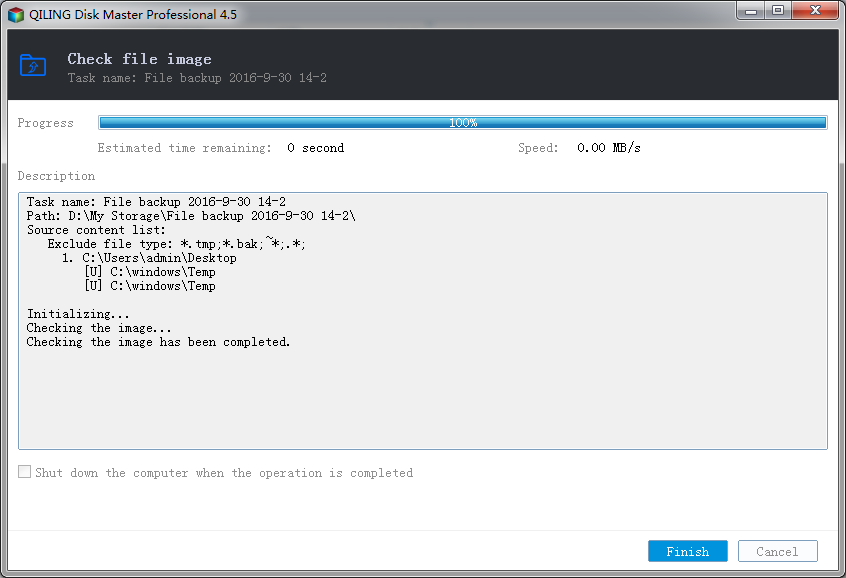
- Shut down - If you select this, application will shut down the computer when the operation completed.
- Finish - You can click on the 'Finish' button to return to Management Interface.
- Cancel - If you click on the 'Cancel' button, the application will cancel the operation.