Top 6 Best Data Recovery Services
In today's digital age, companies and individuals rely heavily on their devices and software. As a result, data loss can have a significant impact on work performance. Unfortunately, many data loss events occur without warning, making it challenging to recover the lost data in a timely manner without having proper safeguards in place.
Here, finding a data recovery service is a suitable alternative to data recovery software in case of severe device damage, offering an effective solution to recover data. This post covers the best data recovery services that can be trusted.
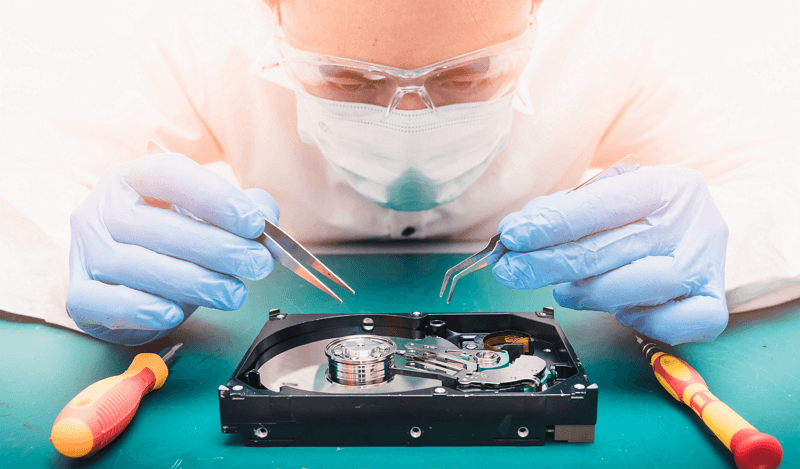
How Should I Choose a Data Recovery Service
When choosing a data recovery service, experts recommend starting by carefully analyzing the service quality. This involves considering factors such as the service's ability to recover your specific type of data, its reputation and customer reviews, and the level of technical support it provides. By weighing these factors, you can make an informed decision and select the best version of a data recovery service to meet your needs.
- Pricing: Most data recovery firms do not disclose their service prices upfront, but they offer free consultations to assess your needs and provide a rough estimate.
- Range of services: The best data recovery services can recover data from a variety of devices, including DVDs, CDs, backup tapes, USB flash drives, memory cards, and beyond standard SSDs and HDDs, offering scanning, recovery, and repair services.
- Capabilities: Most data recovery services can effectively recover deleted files, but the best service providers excel in both quality and speed. Reliable companies not only recover data well but also ensure a safe and clean process.
- Turnaround time: When selecting data recovery services, consider their total restoration time and whether they offer expedited recovery options. This will help you choose the service that can recover your data quickly and efficiently, minimizing downtime and getting your operations back to normal as soon as possible.
- Warranties: Look for data recovery service providers that offer a money-back guarantee or "no data no charge" benefit, and consider the total warranty period, in case the recovery process fails.
Top 6 Best Data Recovery Services (Data Recovery Experts)
Searching for the "best data recovery services near me" online offers users numerous options. These services not only help recover lost data but also carefully check the computer after use to detect and resolve specific hardware issues. Here are the top 6 reliable data recovery services available.
1. Qiling Manual Data Recovery Service - Best Overall
Qiling offers a specialized data recovery service through its Manual Data Recovery Service, which can repair or recover corrupted RAID structures, unformat drives, repair damaged RAW drives, repair unbootable OS, and recover or repair lost partitions and repartitioned drives. A skilled engineer provides the service, ensuring utmost data safety, and can take remote control of your system for premium technical support if needed, requiring access to your computer and a stable network connection.

Price: Quotation based service
Supported devices: Almost all of the storage devices
Locations: The company has a presence in multiple countries across the globe, including North America, Latin America, Asia Pacific, and Europe, making it accessible to customers with an internet connection.
Perks:
- High-quality professional technical support
- Enjoy fast and convenient remote service at the comfort of your workplace or home, with a quick turnaround time that saves you time and stress.
- No data, no charge option
2. Ontrack Data Recovery Services - Quick and Easy
Ontrack is known for its high-quality data recovery services, including complete data recovery from various storage devices, tape services such as data cataloging, auditing, migration, and restoration, as well as eDiscovery, mobile device repairs, mobile device servicing, email extraction, and data destruction.
Service providers here can recover data within a week, but expedited services are available for emergencies, with a turnaround time of less than 24 hours.
Price: Quotation based service
Supported devices: Almost all of the storage devices
Locations: 22 lab locations worldwide
Perks:
- Emergency recovery is possible within 24 hours
- Free evaluation
- Updates on work status visible online
3. Secure Data Recovery - Supports Multiple Devices
Secure Data Recovery is a high-quality data recovery company that serves both small-scale users and large-scale enterprises, offering various data recovery services for different storage devices, including hard drives, SSD, Apple, and tapes.
The company specializes in retrieving lost data from full laptops and offers enterprise-level recovery services, including database, RAID, encrypted, server, and remote recovery. They also provide mobile recovery, memory card-based recovery, digital forensics, and eDiscovery services. Notably, they hold SSAE 18 Type II SOC 1- 3 certifications and have Class 10 ISO 4 audited cleanrooms.

Price: Quotation based service
Supported devices: SSD, HDD, flash drive, mobile devices, USB, memory card, etc.
Locations: 40+ countries
Perks:
- Customer emergency services are available 24x7
- Promises a 96% success rate
- PCI-DSS/FERPA/HIPAA-certified
4. DriveSavers Data Recovery - Trusted Tool
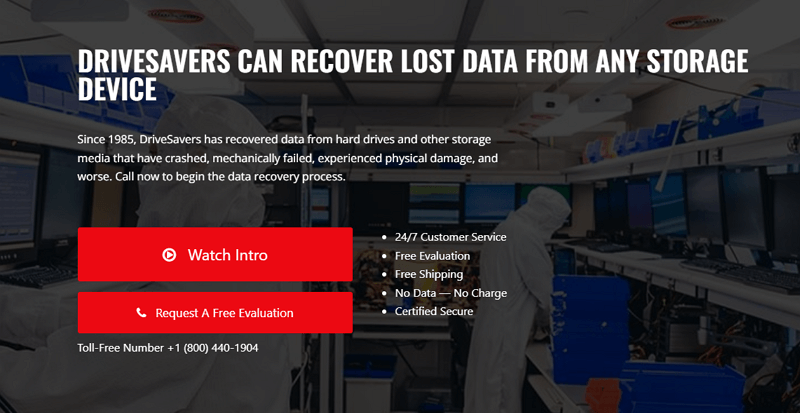
DriverSavers is a highly reputable data recovery company in the USA, popular among businesses and individuals alike, offering a range of services including data recovery for various devices, e-Discovery, and computer forensics.
The oldest service provider for data recovery on this list, the company handles many damaged or corrupted data recovery projects in their standard and hygienic cleanrooms, which are ISO Class 5 certified, offering free shipping and evaluation.
Price: Fee decided after successful data loss recovery service
Supported devices: The various types of computer storage devices include hard disk drives (HDD) and solid state drives (SSD), which provide internal storage for desktops and laptops. RAID (Redundant Array of Independent Disks) systems and Network-Attached Storage (NAS) devices offer external storage solutions for data backup and sharing.
Locations: USA, drop-off area in Japan, and international calls
Perks:
- No data-no charge benefit
- All-time customer support
- Free shipping and evaluation
5. CleverFiles Data Recovery - Simple to Use
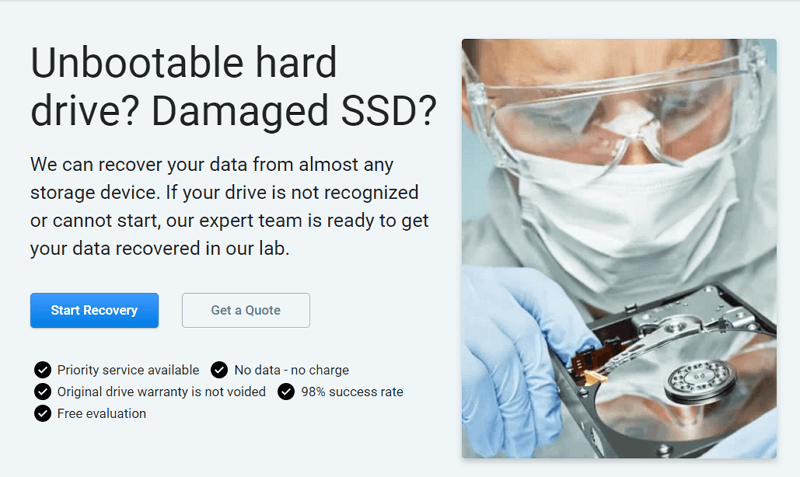
CleverFiles Data Recovery offers a solution for recovering lost data from various storage devices, including SSDs and HDDs, through a systematic process that involves testing and recovery work in specialty labs, only after client authorization and prioritizing customer satisfaction and needs.
The company provides a range of benefits, including a DIY data recovery service, data protection, Disk Space Management, System Optimization, Digital Storage/Backup, and Data Shredding, with regular updates to its services.
Price: Estimate given at contact
Supported devices: SSDs, HDDs, etc.
Locations: Based in Alexandria, VA 22314, USA
Perks:
- Users can get priority service
- Free evaluation available
- Do not annul the warranty of the original driver
6. Gillware - Best Safety and Security
Gillware provides data recovery services, including RAID, hard drive, NAS, virtual machine, server, and flash drive data recovery, as well as photo recovery.
The company holds SOC2 Type II and ISO-5 Class 100 certifications for security and sanitation, and specializes in data recovery from a variety of storage devices, particularly hard drives.

Price: Estimate decided at the consultation
Supported devices: HDDs, and other storage devices
Locations: Wright Street Madison, WI
Perks:
- Online consultation is free
- Zero hidden charges
- Modular cleanroom benches hold ISO 5 Class-100 license
Data Recovery Software VS Data Recovery Services
Data recovery software can recover data from formatted HDDs, corrupted files, and deleted files, and is less expensive than data recovery services. However, services offer more comprehensive benefits, especially for major logical or physical damage, or firmware failure.
When should I use data recovery software?
- Recently deleted files
- Logical damage
- Accidental formatting
When should I contact a data recovery service?
- Firmware failure
- Physical damages like water ingress, head crashes, etc.
- Major logical damage
Conclusion
To recover lost data, it's helpful to use data recovery services when major data loss occurs due to hardware or software issues. Consider a service provider that's accessible, offers a range of services, and is user-friendly, and Deep Data Recovery can be a useful additional tool for further data recovery support.
To recover lost or deleted data, follow these steps: Use data recovery software, which can be found online or through guides, to scan your device for deleted files. Be sure to follow the software's instructions carefully, as improper use can lead to further data loss. Once the software has identified the deleted files, you can attempt to recover them by following the software's recovery process.
Step 1. To proceed, select the desired file type from the available options and click the "Fast Scan" button.
Note: You can choose different search modes based on where and why the data was lost.
Step 2. To proceed, select the precise file location and click the "Scan" button.

Step 3. After the process, select the "Deleted Files" and "Other Lost Files" folders in the left panel, then apply the "Filter" feature or click the Search icon to find the deleted files.

Step 4. Click the "Recover" button and save the restored files to a location other than the original one.
Related Articles
- RAW Drive Fix: How to Fix RAW Hard Drive or External Hard Drive
- Fix Command Cannot Be Performed Because a Dialog Box is Open
- Locked Out Of Windows 10? We Got It! [Solved]
- Deleted C Drive File? This Article Tells You How to Recover it!
- Microsoft Word Has Stopped Working [9 Useful Fixes]
If Microsoft Word has stopped working or won't open a document on your Windows 10/8/7 computer. You can use the methods on this page to resolve the issue, and also use Qiling file repair to easily repair and recover deleted Word files. - Microsoft Partition Recovery Tool Free Download (2022): How to Get It and Apply
To recover a deleted or lost partition in Windows 10/8/7, use a Microsoft partition recovery tool that can easily retrieve data from NTFS, FAT, EXT2/3, and ExFAT hard drive partitions that have been accidentally deleted or removed.
Products
Articles & Tutorials
- Data Recovery
- Data Backup
- File Recovery
- File Backup
- System Backup and Restore
- Disk and Partition Clone
- Technical articles
- Mobile articles
- Disk Master Help
- Windows Data Recovery Tutorials
- Windows Secure Delete Tutorials
- Windows Partition Management Tutorials
- Windows File Backup and Restore Tutorials
- Windows System Backup and Restore Tutorials
- Windows Disk Backup and Restore Tutorials
- Windows Clone Tutorials