Recover Snapchat Photos/Videos from Android Phones
Summary
Lost wonderful Snapchat photos or videos after cleaning the app's chat history or deleting all browsing histories on your Android phone or tablet? professional methods are available to help you recover deleted or lost Snapchat photos and videos from your Android device.
If you tried to clean up junk files on your Android phone to free up space, but unfortunately, your Snapchat conversations and some photos/videos were deleted, you may still be able to recover them if you act quickly. The method of recovery depends on whether it was during a Snapchat backup or if a cleaning app deleted the data. Follow the steps below to recover your lost Snapchat data.
If you've accidentally deleted wonderful photos and videos from Snapchat on your Android device, you can still recover them. Follow the tutorial tips below to find effective methods to fix this issue.
Method 1. Recover lost Snapchat photos/videos from Cloud
If you've synced your Android phone's data with a Cloud account like Google Drive, you can try to recover lost Snapchat photos or videos by restoring the Cloud backup.
- Sign in your Cloud account;
- Tap your recent backups;
- Click restore to your Android devices.
If you haven't backed up your Android phone data or synced your Snapchat data to a cloud account, as Method 2 can still help.
Method 2. Restore Android lost Snapchat photos or videos with Android data recovery software
To quickly restore lost data on your Android device, including Snapchat photos/videos, contacts, WhatsApp files, or other personal files, you can try using Android data recovery software, such as Qiling MobiSaver for Android, which allows you to recover lost files with simple steps.
If you need to recover lost Snapchat photos or videos or messages from iOS devices, please refer to iOS data recovery software - Qiling MobiSaver for help. Free download this software and activate it with an serial key to follow below steps restore your lost precious Snapchat photos and videos now:
Step 1. Connect your Android phone to computer
Install and run Qiling MobiSaver for Android and connect your Android phone to the computer with USB cable.
Then click "Start" button to let the software read and connect your device.
NOTE: As the software can only access the rooted Android device, you need to make sure that your phone has been rooted before recovery.
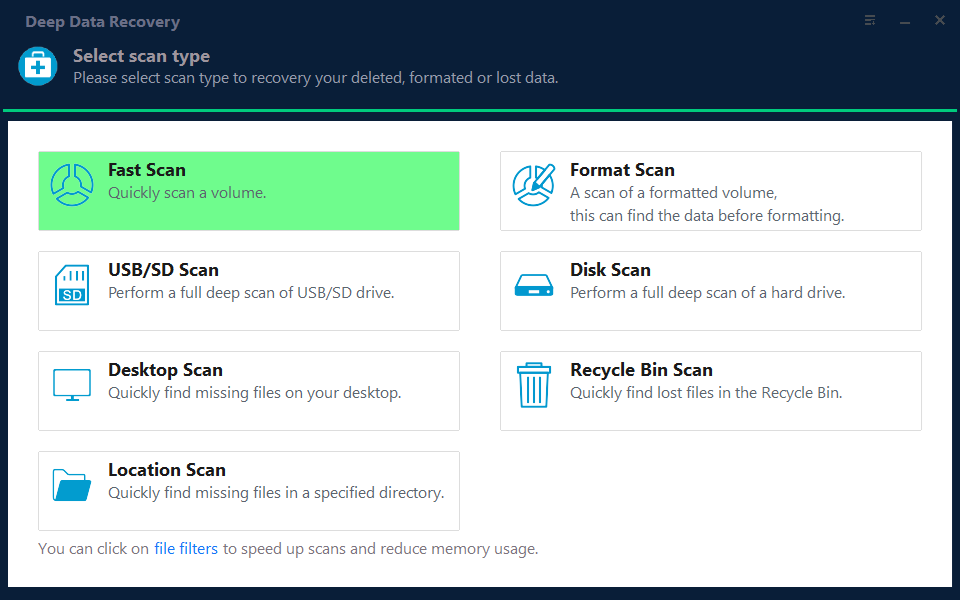
Note: You can choose different search modes based on where and why the data was lost.
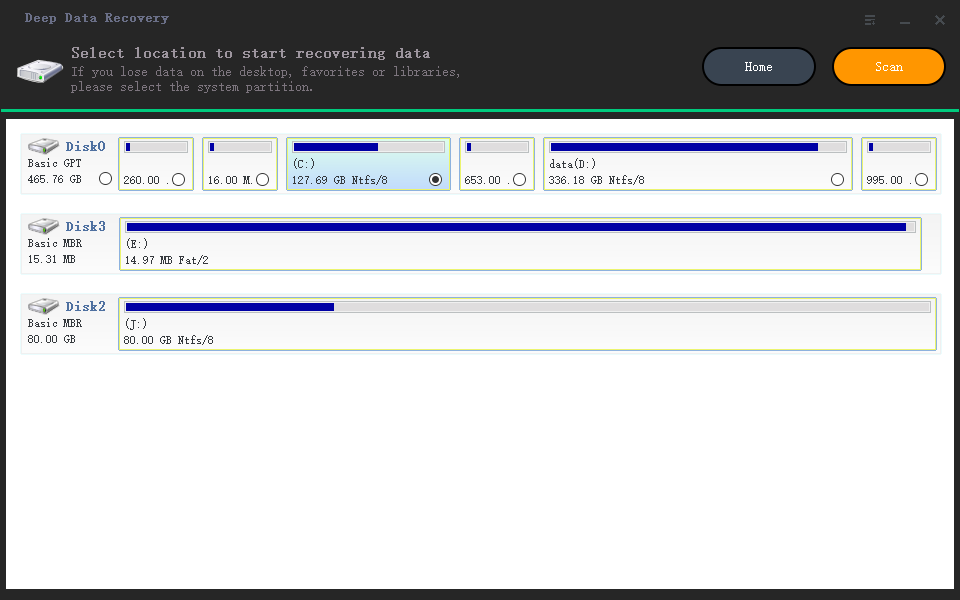
Step 2. Scan Android phone to find the lost data
After connecting your Android phone, the software quickly scans the device to find all existing and lost data, including lost Snapchat videos and photos.
To recover lost Snapchat files, you can simply select the correct file types to find what you're looking for.
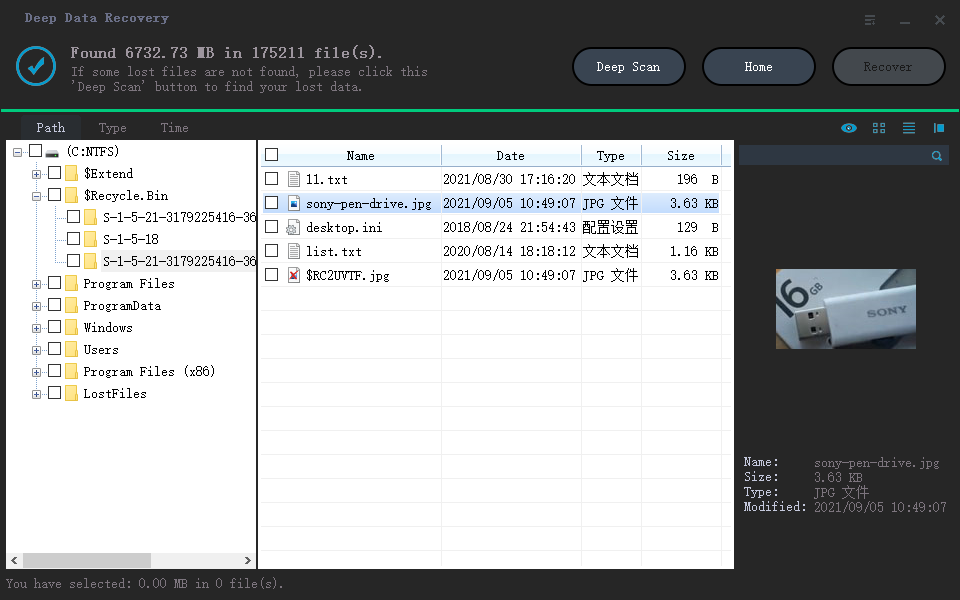
Step 3. Preview and recover data from Android phone
To quickly recover the files you want, preview each recoverable file one by one and then select the ones you want to recover.
To recover deleted Snapchat files, enable the option to only display deleted items, select the desired files, and then click the recover button.
Related Articles
- How to Recover Message on Galaxy S5
- How to Recover Deleted Videos on Android with Video Recovery App
- Android 6.0 Marshmallow Update Without Losing Data
- How to Recover Photos from Xiaomi Phones
- How to Restore Cleared Data on Kodi
Resetting or clearing data on Kodi will result in data loss. Here in this guide, we're going to talk about how to restore data on Kodi. - How to Restore Previous Version of a File in Windows 10
In this article, 3 ways for how to restore previous version of a file in Windows 10 are covered, helping you easily restore previous versions of files.
Products
Articles & Tutorials
- Data Recovery
- Data Backup
- File Recovery
- File Backup
- System Backup and Restore
- Disk and Partition Clone
- Technical articles
- Mobile articles
- Disk Master Help
- Windows Data Recovery Tutorials
- Windows Secure Delete Tutorials
- Windows Partition Management Tutorials
- Windows File Backup and Restore Tutorials
- Windows System Backup and Restore Tutorials
- Windows Disk Backup and Restore Tutorials
- Windows Clone Tutorials